Generate Your VAT Return in One Click
CoralLedger Comply calculates Output Tax, Input Tax, and the apportionment fraction for mixed-supply businesses — then generates a return in the exact format required by the Department of Inland Revenue (DIR).
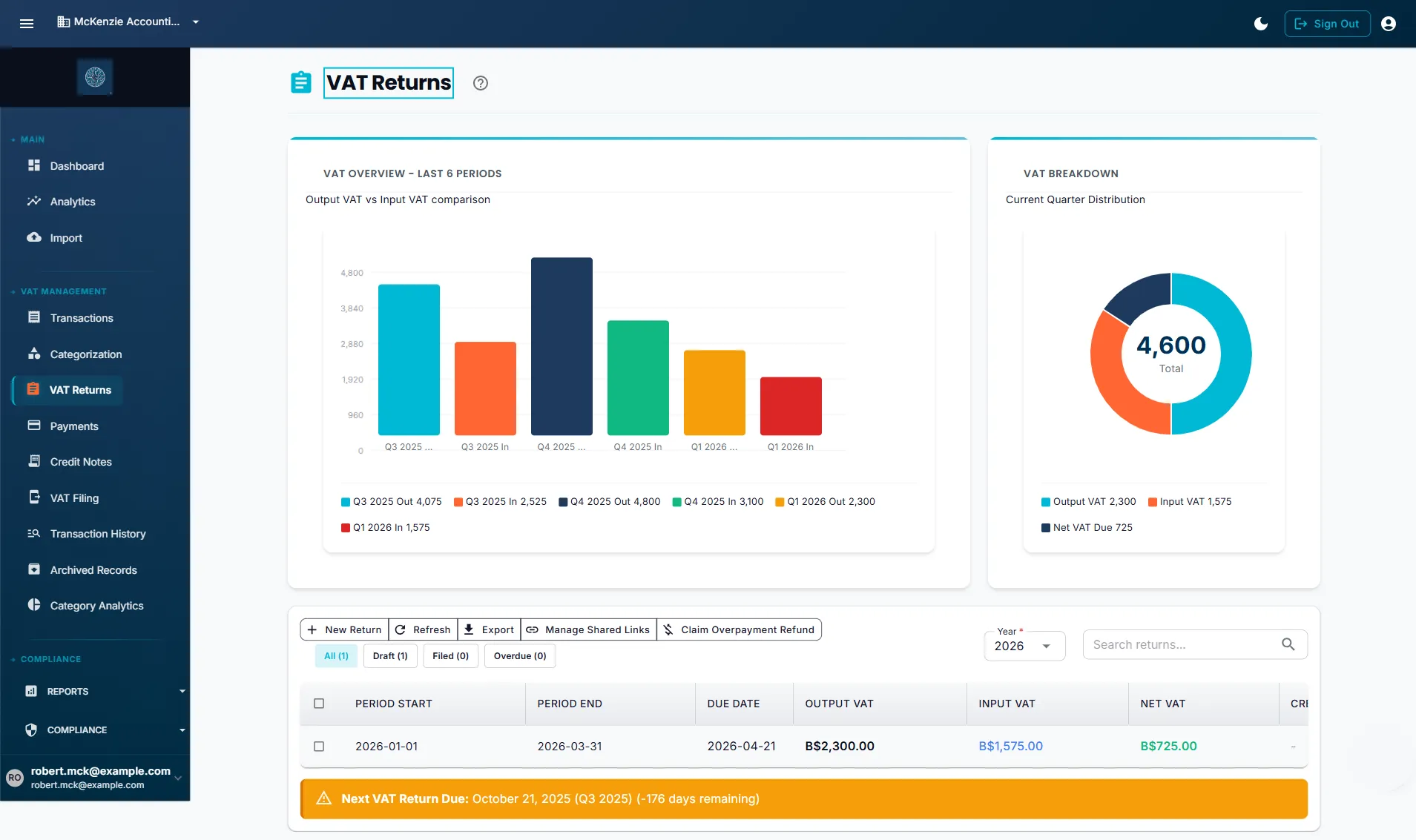
How VAT Returns Work in CoralLedger Comply
Data Captured
Transactions are captured via manual entry or CSV import from your accounting system — all rate-tagged from your configured categories.
Calculated
Output Tax, Input Tax, and the apportionment fraction computed for the period.
Prepared
Return figures and supporting workings are assembled in one screen, ready for final checks before export.
Exported
Export the DIR-format return and submit manually via the Online Tax Administration System (OTAS) — with a copy saved to your audit records.
Data In, Return Out
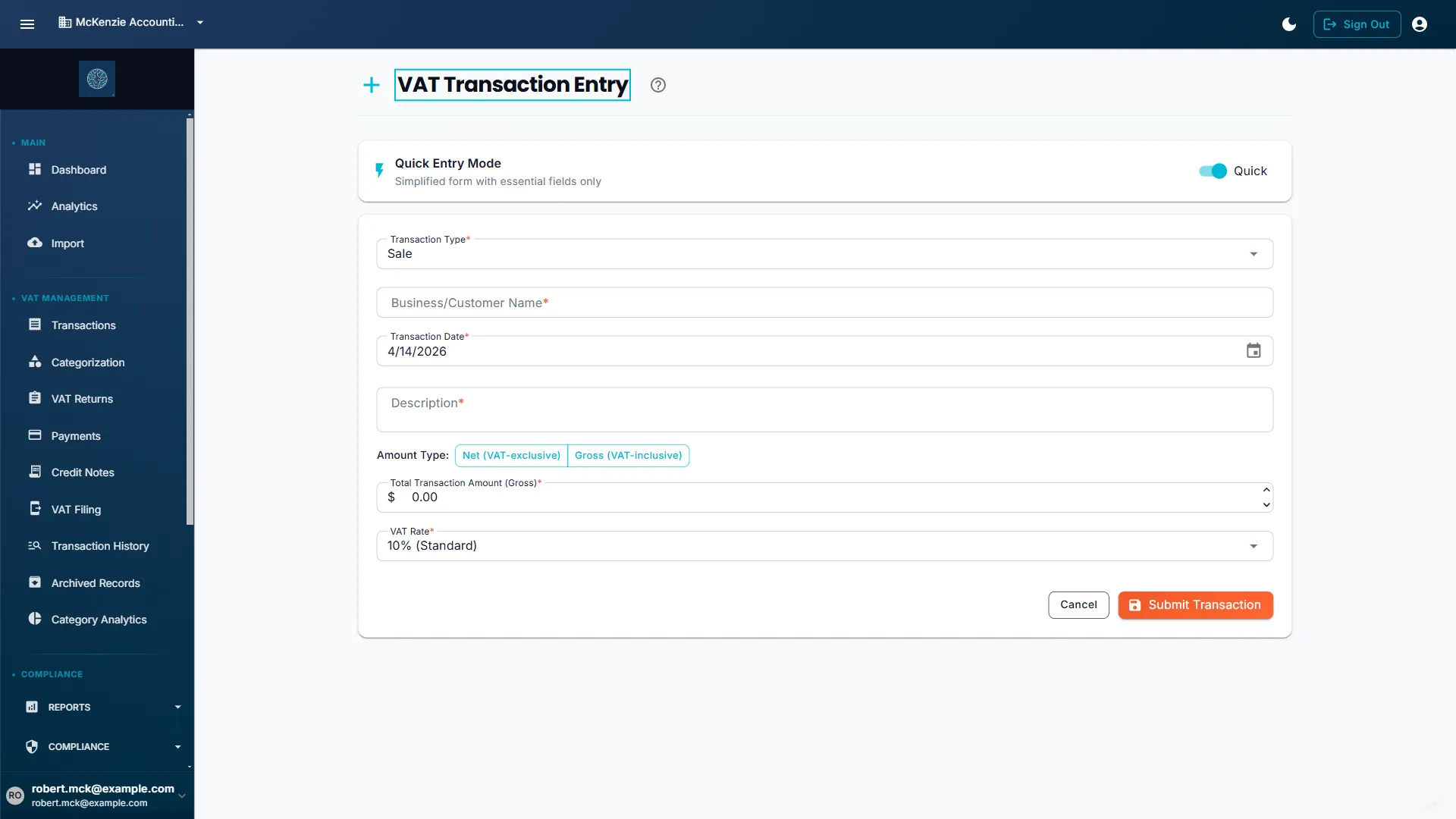
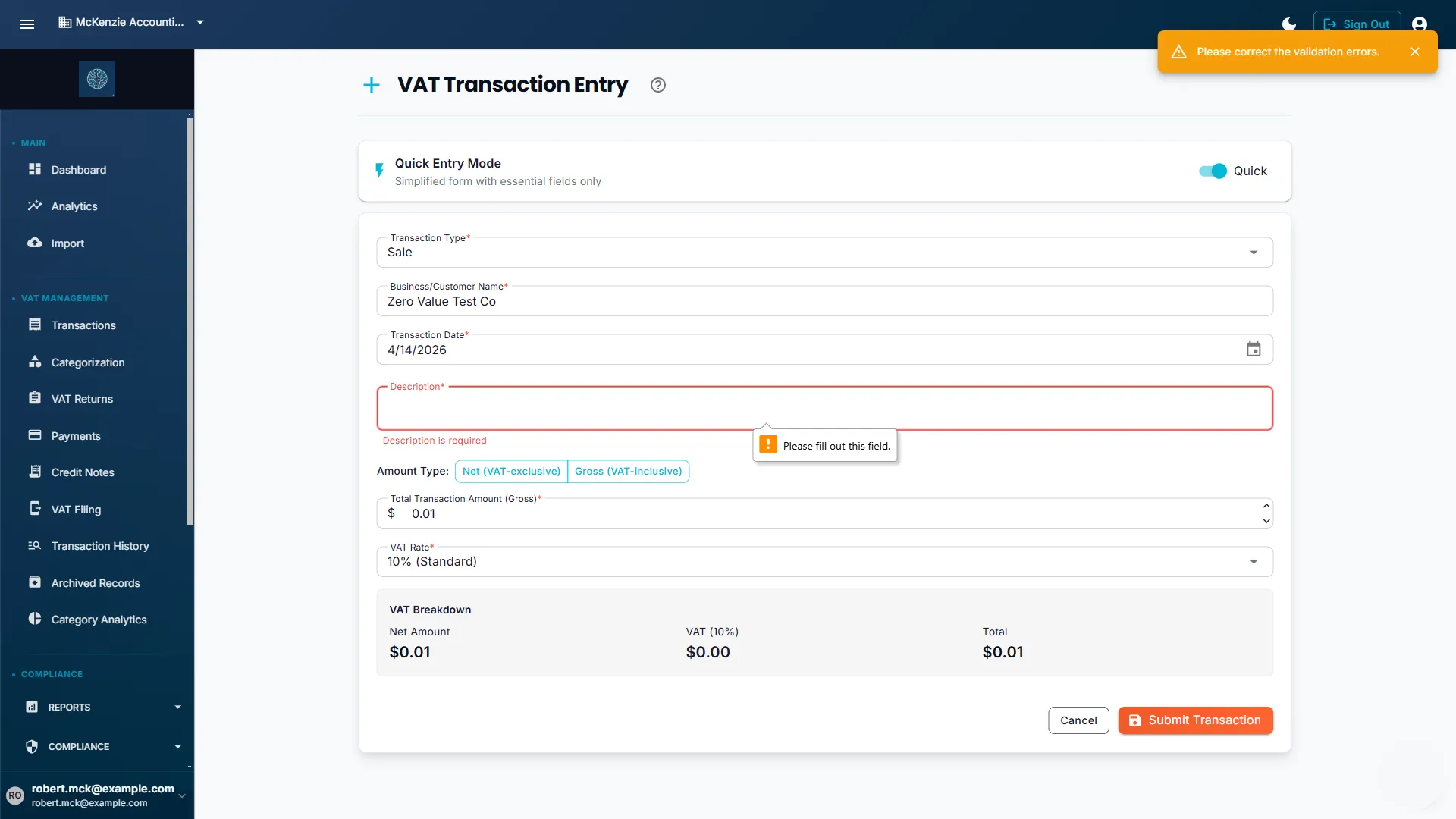
Every transaction is captured with its VAT rate pre-applied. Inline validation catches classification errors before they make it into your return.
VAT Transaction Entry
Inline Validation
Every Return Must Be Attested
Under Section 32 of the VAT Act 2014, every return submitted to the Department of Inland Revenue (DIR) must be formally certified as true and correct by an authorised signatory. CoralLedger Comply's BICA-prefill pathway makes that step accurate and auditable.
Learn About the §32 Attestation Pathway →Ready to Generate in One Click?
Join the free beta — full access during open beta.
Get Started Free →